← Return to Master Partner Blueprint / Silo 1: Setup & Management
Deriv Affiliate Application Rejected: Root Causes, Compliance Audit, and Step-by-Step Appeal Solutions
Receiving a partner application rejection email from Deriv can stall your digital brokerage enterprise. In the financial brokerage ecosystem, institutional partner desks do not reject applications arbitrarily; rejections are triggered by systematic compliance filters underwritten by international financial watchdogs including the MFSA, LFSA, VFSC, and BFSC.
Brokers face heavy regulatory fines or license revocation if their introducing brokers deploy aggressive marketing, promise impossible returns, or fail anti-money laundering (AML) screening. Consequently, automated screening algorithms and compliance auditors flag and reject submissions that fail even minor criteria.
An initial rejection is rarely permanent. Provided your operating channel does not violate core trademark or fraud policies, you can rectify the underlying compliance flags and overturn the rejection.
This operational manual breaks down the anatomy of a Deriv partner rejection: the exact reasons why compliance desks decline applications, how to conduct an audit of your marketing footprint, pre-written appeal letter templates, and the protocol for re-applying for guaranteed approval.
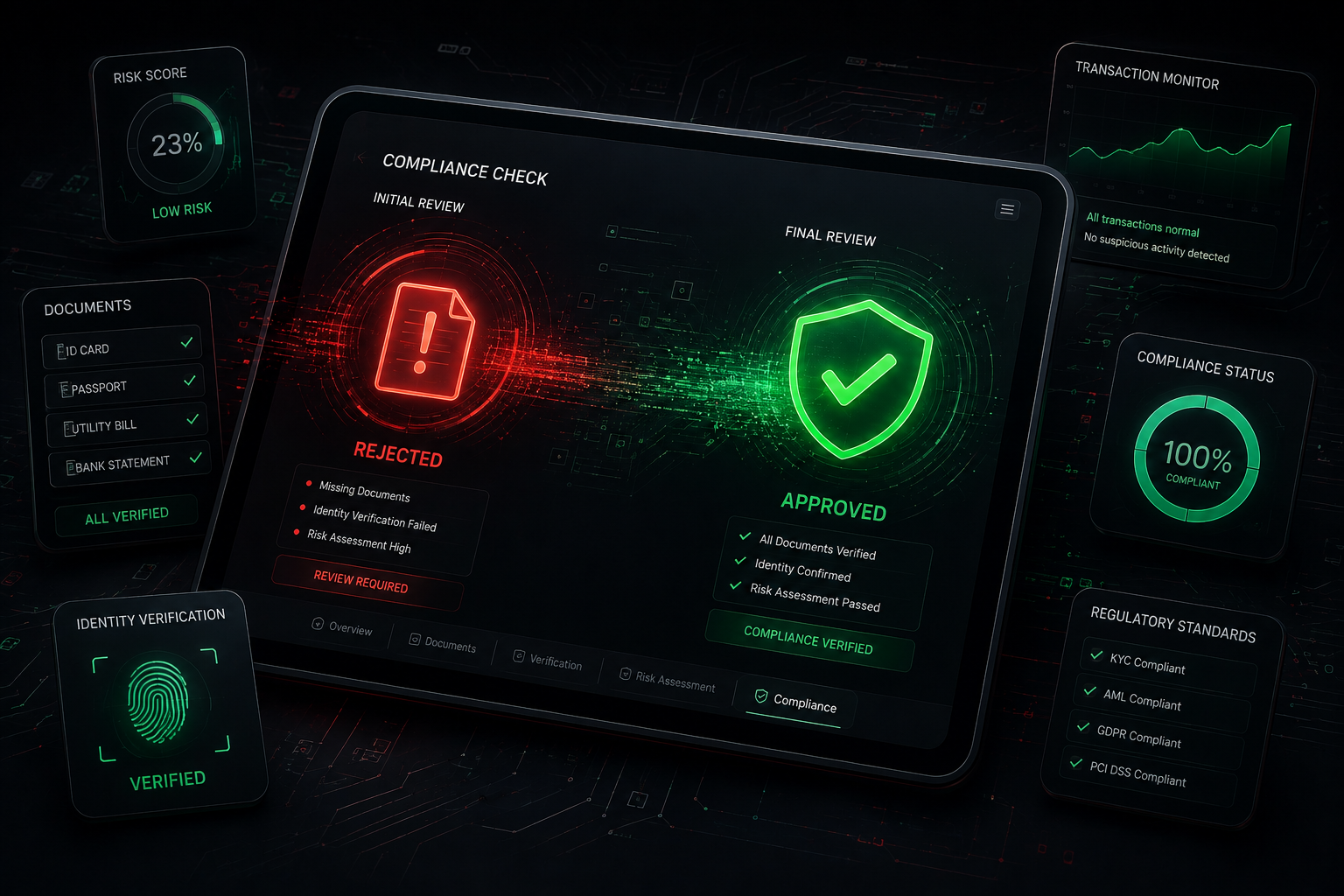
Figure 1: Navigating the compliance audit and resolving affiliate application flags.
Troubleshooting Blueprint Contents
1. The Anatomy of a Deriv Partner Rejection: 5 Core Triggers
Understanding why your application was flagged requires viewing your profile from the compliance auditor's perspective. The compliance department audits every submission against international regulatory mandates.
Trigger 1: Submitting Non-Audit-Ready or Locked Channels
If you provide a link to a private Telegram channel, an invite-only Discord server, or a locked Instagram account, the compliance reviewer cannot evaluate your marketing practices. Deriv’s automated verification algorithms automatically reject submissions where the supplied promotion URL returns an HTTP error, a login barrier, or an inaccessible private group.
Trigger 2: Misleading Marketing and Profit Guarantees
Financial regulators explicitly forbid brokers and their affiliates from using deceptive advertising. If your channel or blog displays claims such as:
- "Make $500 daily guaranteed with our automated bot."
- "100% win-rate signals on Crash & Boom indices."
- "Risk-free binary options strategy."
Your application will be declined instantly. Brokers risk regulatory audits if they approve partners promoting unrealistic profit expectations.
Trigger 3: Trademark Infringement via Paid Media (Brand Bidding)
Deriv's affiliate terms strictly prohibit bidding on trademarked search terms (e.g., "Deriv," "Deriv login," "Deriv official platform") on Google Ads, Bing Ads, or PPC networks. If an applicant indicates during signup that their primary traffic comes from "Search Engine Ads" without explaining their non-brand keyword targeting, compliance often rejects the application to protect brand integrity.
Trigger 4: Documentation Discrepancies (KYC Mismatches)
When your personal information does not align with your supporting documents, anti-fraud systems flag the account. Common discrepancies include:
- Using an abbreviated name or nickname on the digital form instead of your full legal name as shown on your passport.
- Entering a residential address that does not match the address on your uploaded utility bill or bank statement.
- Submitting utility bills or bank statements older than 90 calendar days.
Trigger 5: Applying from or Routing via Restricted Jurisdictions
Deriv does not accept retail clients or affiliates from restricted regions, including the United States, Canada, and specific territories sanctioned by international regulators. Attempting to register while physically located in, or utilizing a VPN routed through, these jurisdictions will trigger immediate geoblocking.
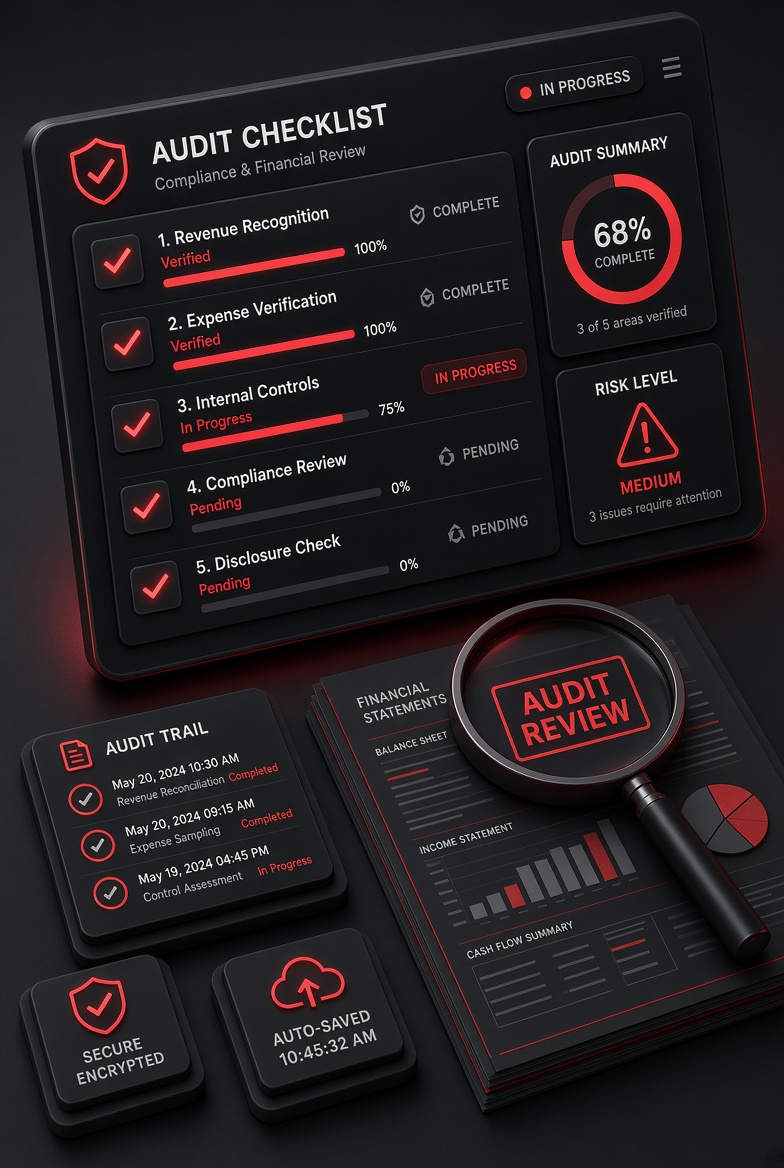
Figure 2: The essential compliance audit checklist to resolve affiliate application flags.
2. Promotional Channel Audit: Removing Red Flags
Before appealing or reapplying, audit your digital channels to ensure they meet standard compliance requirements:
- Make Channels Public: Ensure your Telegram channel, YouTube channel, or social media profile is set to public so compliance reviewers can audit your materials without login friction.
- Add Prominent Risk Warnings: Include a clear financial risk disclaimer on your website, channel description, or bio. For example:
"Risk Warning: Trading CFDs and synthetic indices involves significant capital risk. Past performance does not guarantee future results. Never trade with capital you cannot afford to lose."
- Emphasize Trader Education: Feature educational content on your feed: chart analysis, risk-management tips, or platform setup guides. This demonstrates that you run a legitimate educational portal rather than an aggressive sales funnel.
3. KYC Documentation Failures and Precise Fixes
Identity verification checks are largely automated. If an automated OCR scanner cannot read your document, it triggers a manual hold or rejection.
| Issue Flagged | Underlying Cause | Required Resolution |
|---|---|---|
| Blurry / Cropped ID | Corners cropped out, camera glare over name, low scan resolution. | Photograph the document on a dark, flat surface in natural light. Ensure all 4 edges are clearly visible. |
| Outdated POA | Bank statement or utility bill is older than 90 days. | Download a fresh digital PDF bank statement issued within the last 30 days from your online banking app. |
| Address Mismatch | Form address uses a postal box or differs from the bank statement address. | Update your declared address on the profile to match the exact physical street address listed on your bank statement. |
| Mobile Screenshots | Screenshots of banking mobile apps do not qualify as formal statements. | Export an official monthly PDF statement that contains the bank’s official logo, account holder details, and transaction history. |
4. Formal Appeal Protocol: Reversal Email Templates
If your application was rejected but your digital properties are legitimate and compliant, you can submit an appeal directly to the compliance desk at affiliates@deriv.com.
Recommended Compliance Appeal Email Template:
Subject: Affiliate Application Appeal – [Your Registered Email Address]
Dear Deriv Partner Compliance Team,
I am writing to formally request a review of my affiliate application for the account registered under [Insert Email Address].
I understand that compliance standards are vital for maintaining brokerage integrity. Following your initial feedback, I have conducted a thorough audit of my promotional assets:
1. Promotional Channel URL: [Insert Your Public Website, YouTube, or Public Telegram Link]
2. Content & Value Delivery: My channel focuses on technical analysis, platform setup guides, and risk management education. All promotional materials carry clear risk disclaimers, and we strictly prohibit profit guarantees or automated trading bot promises.
3. KYC Verification: I have attached a fresh, high-resolution scan of my government-issued ID alongside an official bank statement issued within the last 30 days confirming my residential address.
I would welcome the opportunity to work as an educational partner within the Deriv ecosystem. Please let me know if any additional documentation or information is required.
Sincerely,
[Your Full Legal Name]
[Your Phone Number / Telegram Username]
5. The Clean Re-Application Strategy (Step-by-Step)
If you do not receive a response to your appeal within 72 business hours, execute a clean re-application:
- Clear Browser Footprint: Clear your browser cookies and cache, or use a private browsing window to avoid cached referral tokens.
- Use an Alternative Email Address: Initiate registration with a fresh, dedicated business email address.
- Submit Verified Channels: Supply your updated, public promotional channel URL that clearly features educational trading content and risk warnings.
- Use Our Verified Access Pipeline: Register directly through our authorized partner framework via this direct partner application terminal.
6. Frequently Asked Questions (FAQ)
How long does an appeal review typically take?
Compliance appeal reviews typically take between 2 to 4 business days, as they require manual review by regional partner managers.
Can I promote Deriv without mentioning financial risk?
No. Regulatory frameworks mandate that introducing brokers and affiliates must provide clear financial risk disclosures alongside any promotional material. Failing to do so will result in account suspension.
Does Deriv reject individual applicants who do not own a registered company?
No. Deriv accepts individual traders, bloggers, community moderators, and YouTubers under the Individual Account structure without requiring a registered legal company.
Related Tactical Blueprints
Continue your agency setup through our interconnected training modules:
- How to Apply for the Deriv Affiliate Program Step by Step (Master Guide)
- How to Generate Sub-Affiliate Links & Recruit Sub-Partners
- Deriv Revenue Share vs. Turnover Model: Cash Flow and Volume Analysis
- Global Payout Rails: How to Withdraw Your Deriv Affiliate Commissions via Crypto
- Return to the Master Partner Hub