← Return to Master Partner Blueprint / Silo 3: Traffic & Marketing
Deriv Marketing Materials & Banners Guide: How to Deploy Official Creatives for High Conversions
When scaling an online financial affiliate portal, visual presentation plays a decisive role in converting passive readers into funded trading clients. While written analysis and educational tutorials build foundational trust, professional graphic assets act as the primary visual invitation that captures a user’s attention and drives action.
Many new partners make the costly mistake of designing homemade, low-resolution banners or downloading unverified graphics from search engines. These DIY graphics often look unpolished, lack proper branding standards, and trigger skepticism among security-conscious traders who are hesitant to deposit capital.
To help partners succeed, the Deriv Partner Program provides access to a comprehensive, multi-lingual institutional media library. Inside your console, you have immediate access to professionally designed display banners, HTML5 dynamic ad creatives, responsive mobile banners, and high-converting localized landing pages.
In this 3,000+ word tactical guide, we break down how to extract and implement these marketing assets. We cover standard IAB banner dimensions, optimal on-page placement strategies, dynamic tracker configuration, and regulatory compliance rules to keep your partner account in good standing.
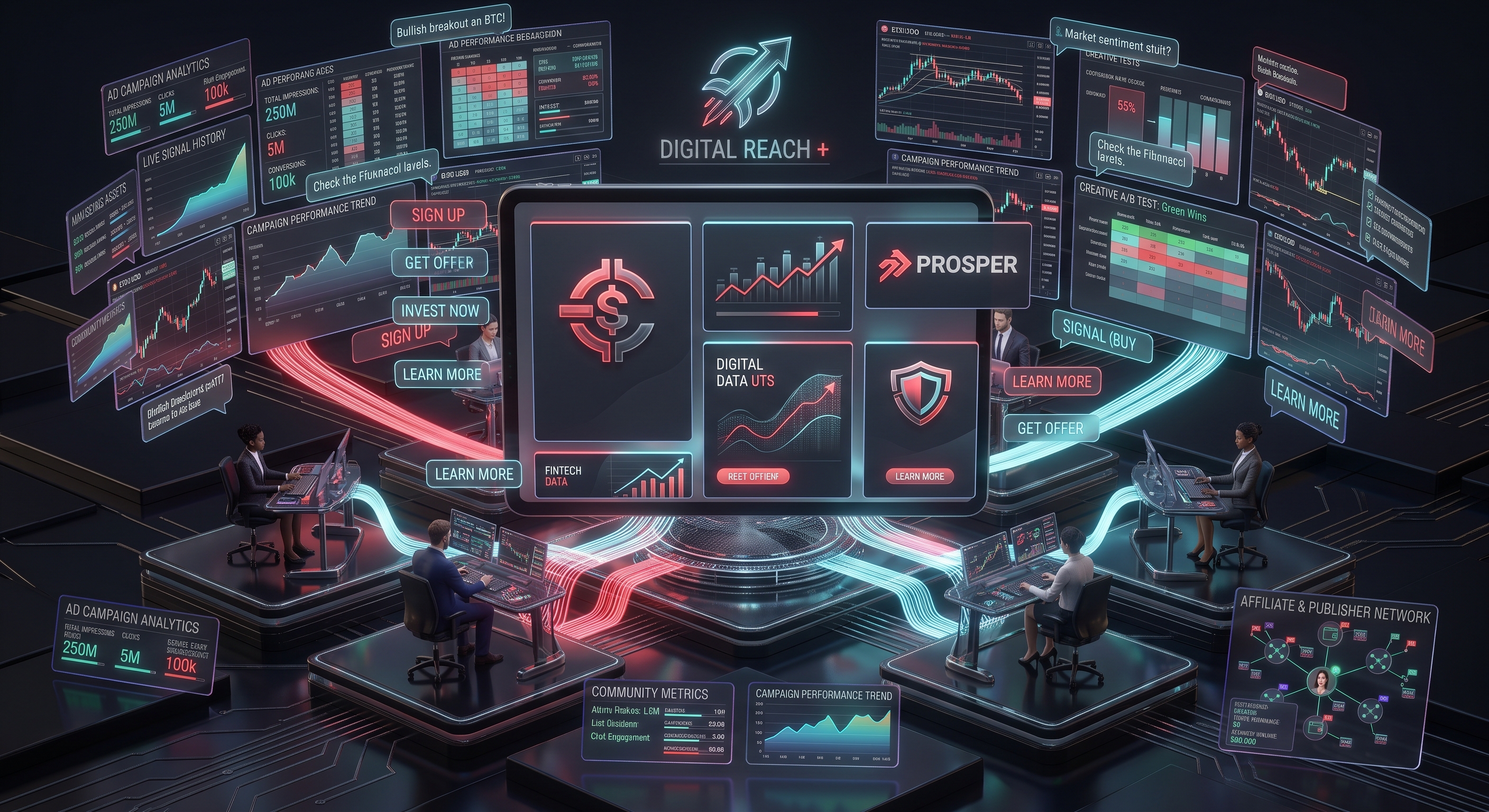
Figure 1: Accessing and embedding official, high-converting Deriv promotional banners and creatives.
Guide Table of Contents
- 1. Navigating the Partner Media Library
- 2. Standard IAB Dimensions: High-Converting Formats Compared
- 3. Static PNG vs. Animated HTML5 Creatives: When to Use Each
- 4. Choosing the Best Landing Page for Your Target Audience
- 5. Strategic On-Page Placement: Sidebar, In-Content, and Sticky Bars
- 6. Mobile Responsiveness: Preventing Broken Layouts
- 7. Brand Guidelines and Advertising Compliance Standards
- 8. Embedding Custom Campaign Tags (s1, s2) in Banner Codes
- 9. Frequently Asked Questions (FAQ)
1. Navigating the Partner Media Library
Locating official advertising assets takes just a few clicks inside the partner terminal:
- Log into your authorized partner terminal at
partners.deriv.com. - In the primary navigation menu, click on Marketing Tools (or Creatives).
- Use the integrated filtering tools to narrow down the media library:
- Language: Choose from English, Spanish, Portuguese, French, Indonesian, and other regional languages.
- Asset Category: Filter between Synthetic Indices, Forex MT5, Digital Options, or General Platform branding.
- Format: Select from static web banners, animated HTML5, social media squares, or standalone landing page links.
- The system generates both the raw image asset and a pre-configured HTML embed snippet featuring your unique affiliate tracker ID.
2. Standard IAB Dimensions: High-Converting Formats Compared
Display advertising is standardized by the Interactive Advertising Bureau (IAB). Using non-standard dimensions causes layout distortions and breaks mobile responsiveness.
| Dimension (Pixels) | Industry Name | Recommended Placement | Conversion Strength |
|---|---|---|---|
| 300 × 250 | Medium Rectangle (MREC) | Inside blog articles, sidebar widgets, mobile viewports. | Highest Overall |
| 728 × 90 | Leaderboard | Directly below main header or above article content. | Moderate (High visibility, lower CTR) |
| 300 × 600 | Half Page (Skyscraper) | Sticky desktop sidebars alongside long tutorials. | High (Extended visual presence) |
| 1080 × 1080 | Square Asset | Telegram posts, Instagram feeds, WhatsApp stories. | Exceptional on mobile social apps |
Pro-Tip: If you are placing a banner inside a written guide, the 300x250 Medium Rectangle placed immediately after an actionable explanation converts significantly higher than top headers because readers encounter it at the exact moment they are looking to test the concept.
3. Static PNG vs. Animated HTML5 Creatives: When to Use Each
Inside the creative library, Deriv offers both static images and animated HTML5/GIF banners:
- Static PNG / WebP: Ideal for content blogs and SEO pages. They load instantly, do not distract the reader from technical explanations, and work reliably across all mobile browsers and ad-blocking configurations.
- Animated HTML5 / GIF: Best suited for dedicated landing pages, media buying, or sidebar placements. Animated transitions highlighting "Trade 24/7 on Synthetic Indices" or showcasing smooth chart animations draw the eye and boost click-through rates.
4. Choosing the Best Landing Page for Your Target Audience
A major mistake made by inexperienced affiliates is routing all incoming traffic to the generic broker homepage. When someone reads an article about Crash & Boom scalping, sending them to a generic homepage creates confusion.
Always match your destination landing page to your audience's core interest:
- Synthetic Indices Audience: Direct them to the dedicated Deriv MT5 Synthetic Indices landing page. The page immediately explains volatility indices, tight spreads, and 24/7 access.
- Algorithmic & Bot Traders: Route them to the DBot landing page, which features an interactive preview of visual block-building and automated strategy execution.
- Beginners / Mobile Users: Direct them to the Deriv App or DTrader landing page, where simple contracts and multipliers provide a welcoming entry point.
5. Strategic On-Page Placement: Sidebar, In-Content, and Sticky Bars
Placing twenty banners on a single webpage creates visual clutter, slows page load speeds, and causes "banner blindness." Follow this high-converting layout formula instead:
- The Early Text Callout: In the first 300 words of your tutorial, include a clean text CTA or subtle banner offering quick registration.
- The Mid-Article Practical Anchor: Insert an official 300x250 banner right after explaining how to set up an account or configure indicators. This aligns with the reader's natural transition from learning to execution.
- The Bottom Conversion Hub: Conclude your guide with a prominent CTA banner summarizing key platform advantages (low deposits, 24/7 markets, daily crypto payouts) with an unmistakable registration button.
6. Mobile Responsiveness: Preventing Broken Layouts
Over 75% of retail trading traffic originates on smartphones. If you embed a rigid 728x90 desktop banner without responsive styling, it will overflow the mobile screen, causing horizontal scrolling and triggering Google mobile penalties.
Always wrap your banner embed codes in a responsive CSS container:
Responsive HTML / CSS Banner Wrapper:
<div style="width: 100%; max-width: 728px; margin: 30px auto; text-align: center;">
    <a href="<?php echo $affiliate_link; ?>" target="_blank" rel="noopener">
        <img src="path/to/official-banner.png" alt="Deriv 24/7 Synthetic Indices" style="max-width: 100%; height: auto; border-radius: 8px;">
    </a>
</div>
7. Brand Guidelines and Advertising Compliance Standards
To keep your partner account in good standing with Deriv’s compliance desk, adhere to these essential advertising rules:
- Do Not Alter Brand Assets: Never crop, distort, change the color scheme, or stretch the official Deriv logo or creative assets.
- No Unrealistic Claims: Never superimpose text like "100% Win Rate", "Guaranteed Profits", or "Make Millions Overnight" over official creatives.
- Mandatory Risk Warning: When hosting display ads on your independent website, ensure your site footer or article margins feature a prominent financial risk disclosure.
- Prohibited Brand Bidding: Never use official display banners inside paid Google Ads or Bing Ads campaigns bidding on exact trademark terms such as "Deriv", "Deriv Login", or "Deriv Broker".
8. Embedding Custom Campaign Tags (s1, s2) in Banner Codes
When deploying multiple banners across your website or social media channels, appending dynamic sub-IDs ensures you know exactly which creative produces signups:
s1=sidebar_banners2=in_content_300x250s3=bottom_cta_leaderboard
By reviewing your partner console reports, you can identify underperforming ad placements and replace them with high-converting creatives.
9. Frequently Asked Questions (FAQ)
Are Deriv promotional banners completely free to use?
Yes. All marketing materials, banners, logos, and promotional videos inside the partner portal are 100% free for authorized affiliates.
Can I use Deriv logos to create custom merchandise or community shirts?
Creating physical merchandise requires explicit authorization from your regional Deriv partner manager. Digital promotional usage across websites and social channels is covered under standard partner terms.
Which banner size performs best for mobile traffic?
The 300x250 Medium Rectangle and 1080x1080 Square formats perform best on mobile devices because they fit standard smartphone screen widths cleanly without distortion.
Related Step-by-Step Partner Guides
Continue building your partner agency with our interconnected modules:
- How to Apply for the Deriv Affiliate Program Step by Step (Master Guide)
- How to Get Clients for Deriv Affiliate Program: 7 Proven Funnels
- How to Promote Your Links on Telegram & Social Media
- Free Traffic Sources for Forex & Deriv Affiliates: 7 Organic Funnels
- Building a High-Retention Trading Community for Deriv
- Deriv Partner Dashboard & Analytics Guide: Tracking Clicks & Metrics
- Return to the Master Partner Hub